

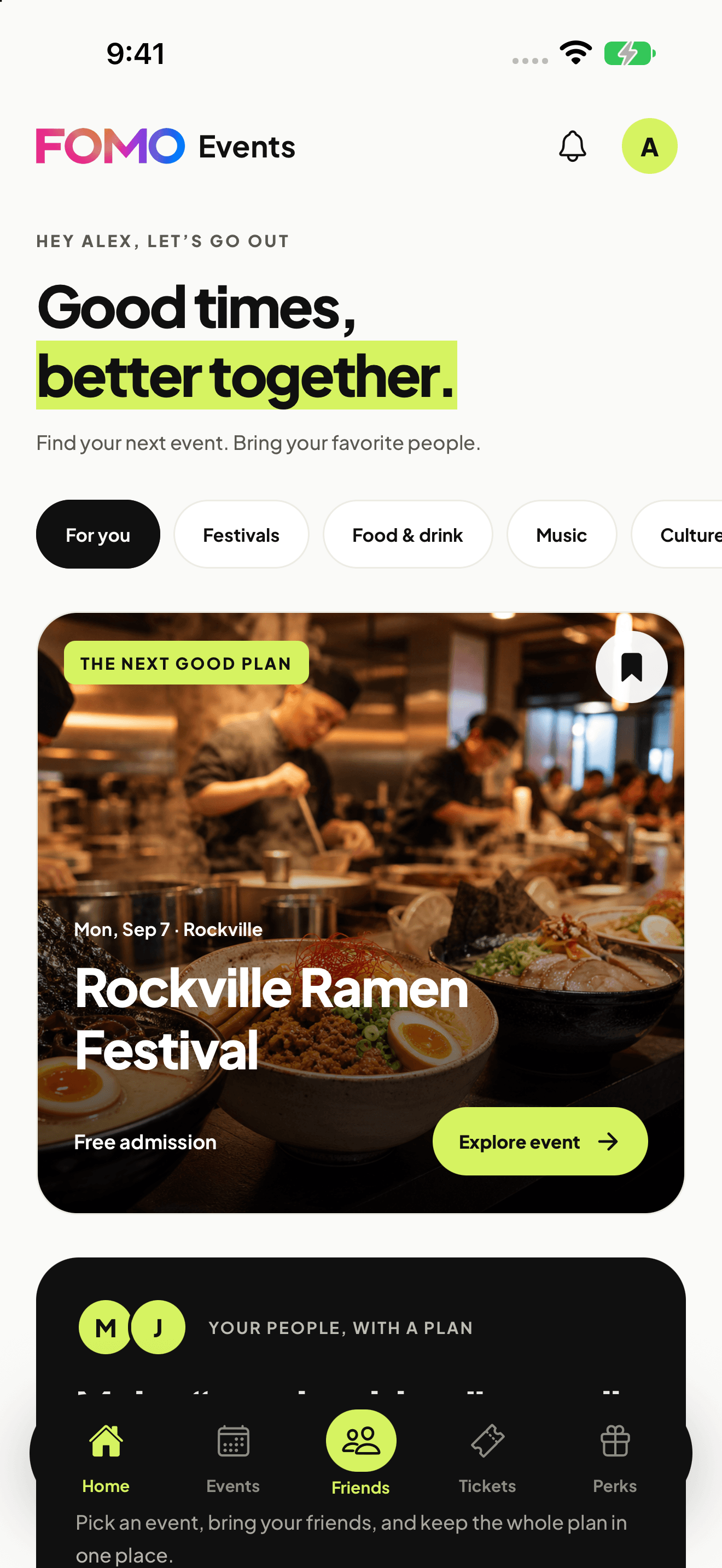
Home
Upcoming events and festivals lead the way. Browse categories, save an event, and start a plan. Home, Events, the center Friends tab, Tickets and Perks are always close; Profile sits beside notifications.
Inside the app
Explore the event-focused app in six native screens. Events, offers and people shown are examples, not current listings.
Start with the event, then find a member offer to make more of the day.
Upcoming events and festivals lead the way. Browse categories, save an event, and start a plan. Home, Events, the center Friends tab, Tickets and Perks are always close; Profile sits beside notifications.
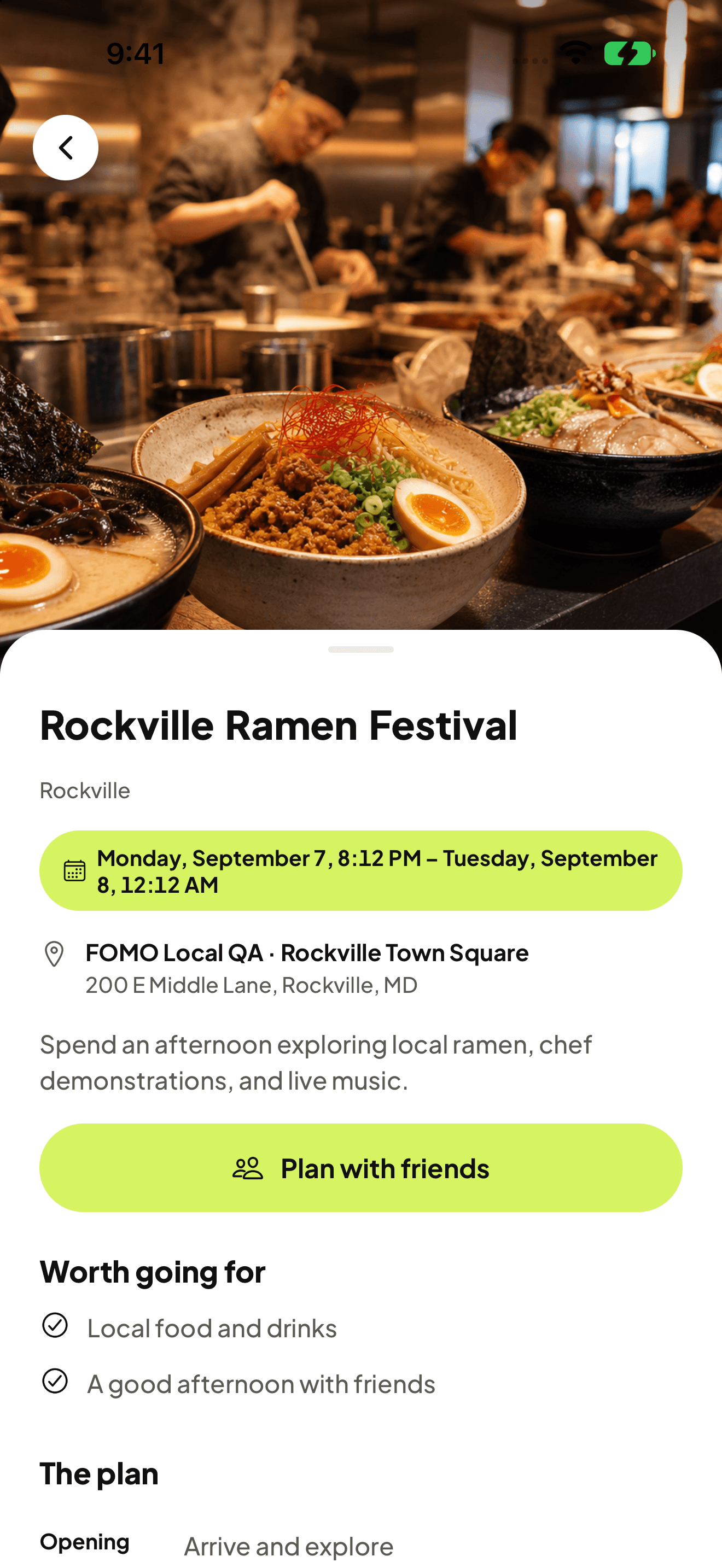
Open an event for its date, venue, admission details and schedule. Save it, share it, or tap Plan with friends. Available free RSVPs and paid tickets are booked separately from your shared plan.
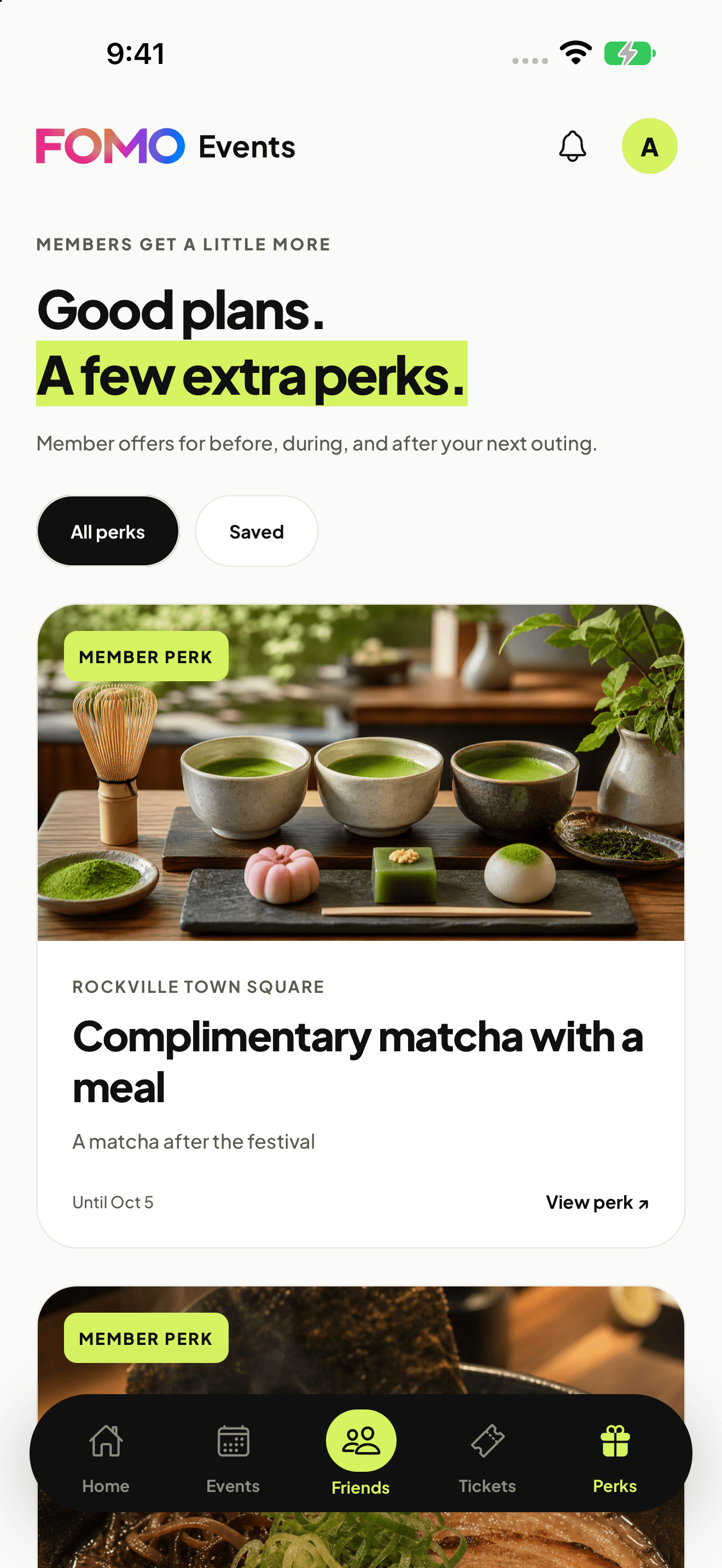
Discover and save member promotions for before or after an event. Read the participating locations, dates, eligibility and redemption instructions, then share an offer with a friend in chat.
Friends is the center of the app. Shared plans and individual conversations help turn an idea into a meetup.
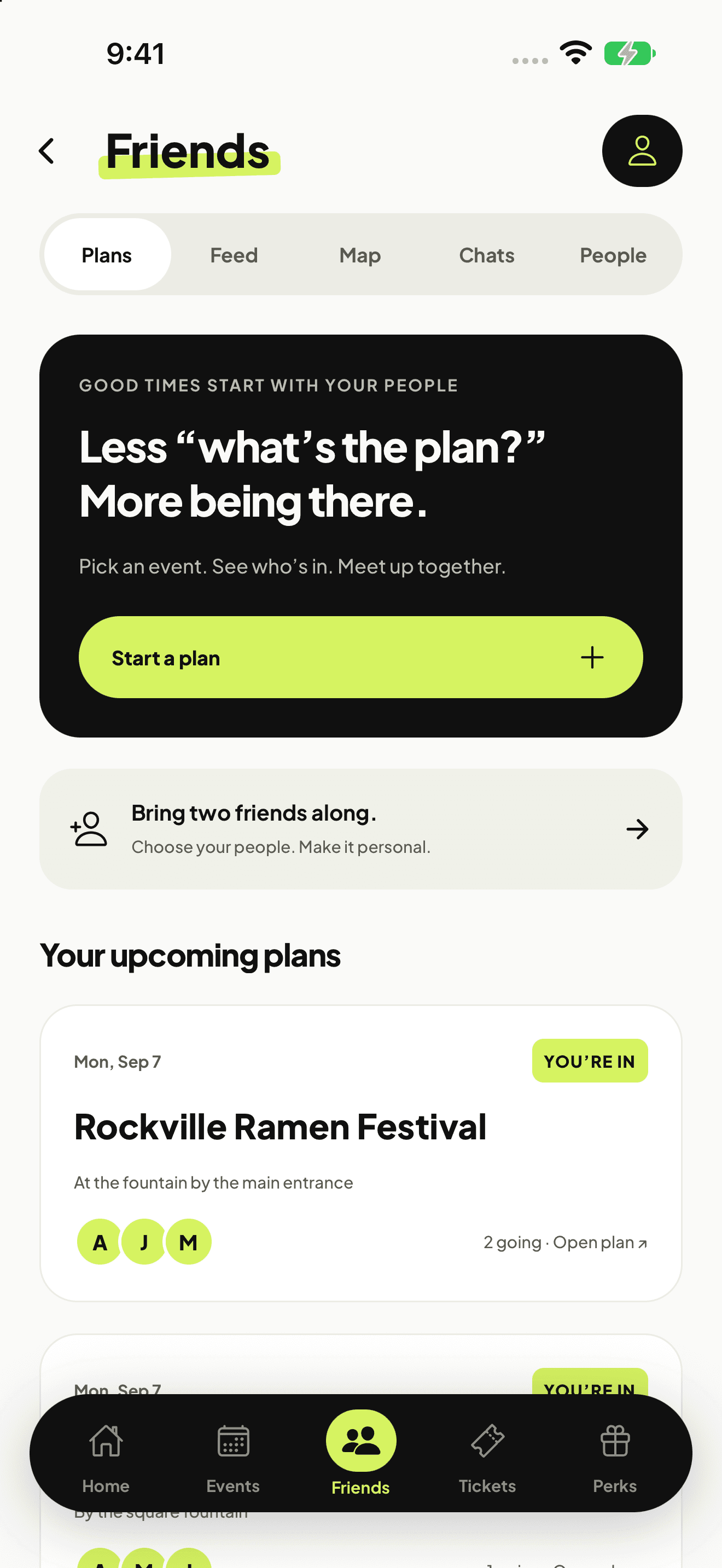
Plans, Feed, Map, Chats and People live here. Keep up with photo posts, talk with friends and find your upcoming plans. The optional Bring two friends flow lets you choose contacts, review each invitation and confirm every send.
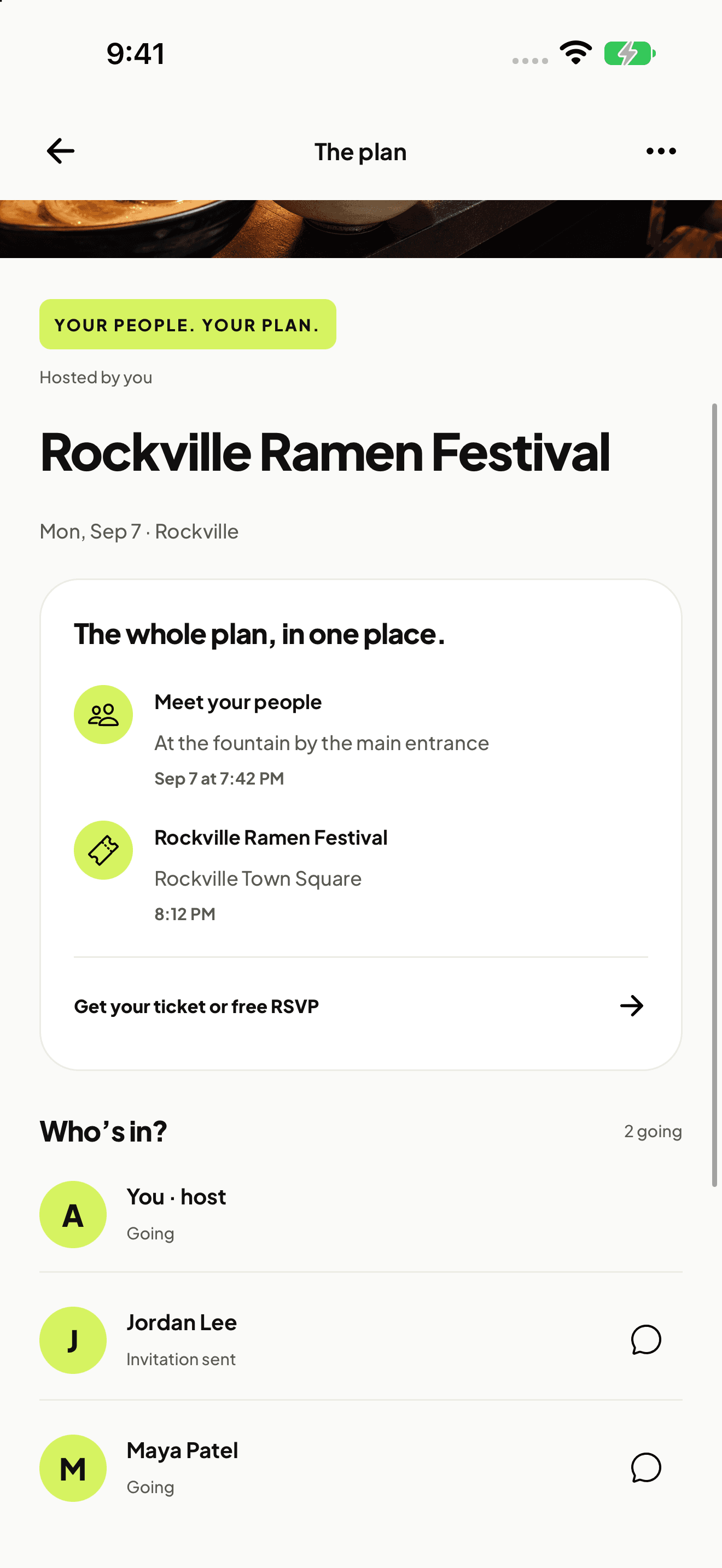
Choose an event and invited friends, add a meeting time and place, and keep notes and participant responses together. A plan links to booking, but joining a plan does not reserve admission or buy a ticket.
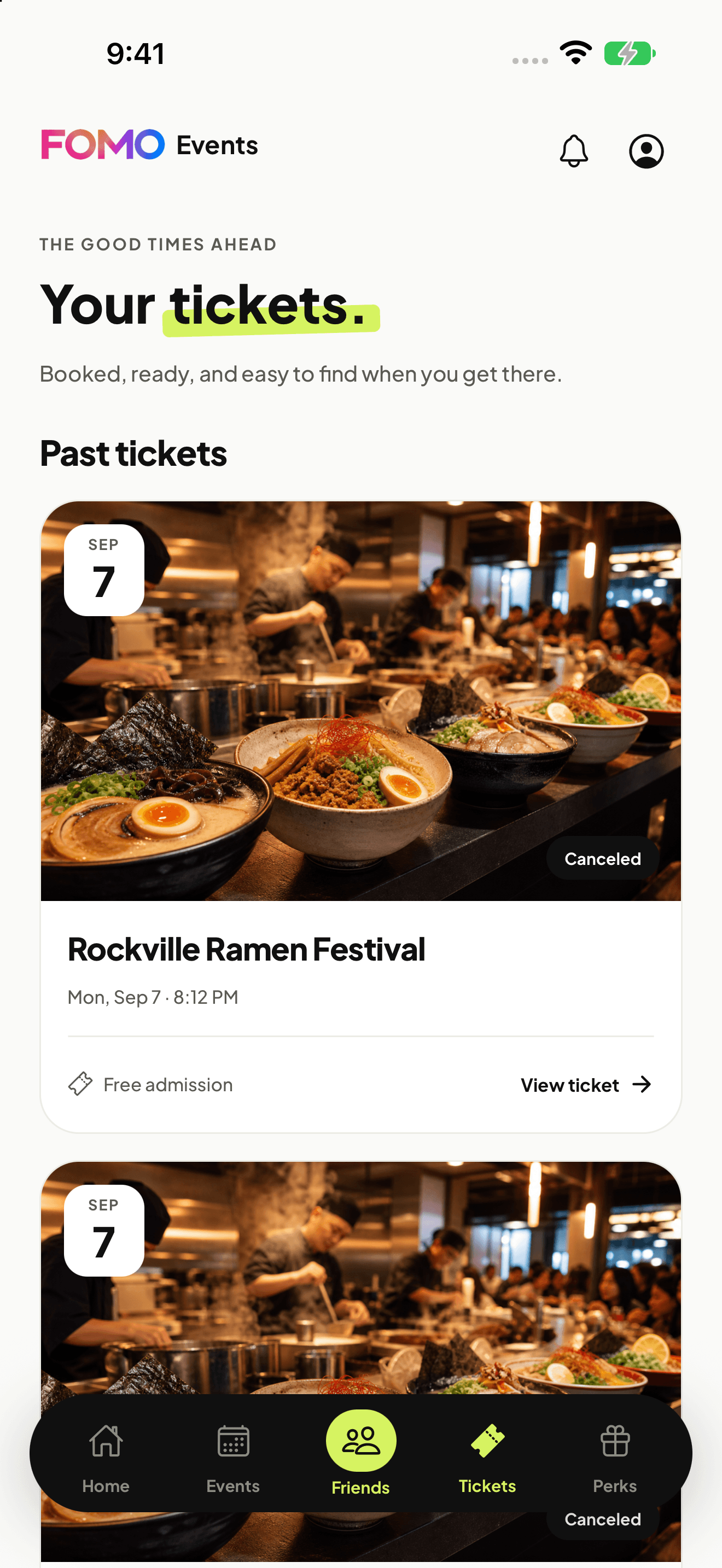
Find confirmed event tickets and free reservations in the Tickets tab. Your past and canceled tickets stay here too, as shown in this example of ticket history.
The friend features you know are part of the plan.
Share photo posts, edit or remove your own posts, and talk one-to-one. Send a member offer with a personal message.
Choose which accepted friends can see your location for one hour. Sharing is optional, updates while the app is open, and can be stopped at any time.
Members can leave 1–5 stars and an optional review, then edit or remove it. A ticket is not required; ratings do not verify attendance.
Your account keeps its points, gifts and history as FOMO puts events and friends first.
Existing balances, earning tools, redemption codes and history remain available through your account. They are separate from member offers.
Gift cards, point and reward gifts, and your FOMO Plus membership remain available. Check the relevant screen for current terms and eligibility.
Passport, Cuisine Roulette, missions, games and account preferences are still part of FOMO. Profile is beside the notification bell.
The help center covers account access, existing rewards and billing. Contact us for help with an event, plan or ticket.